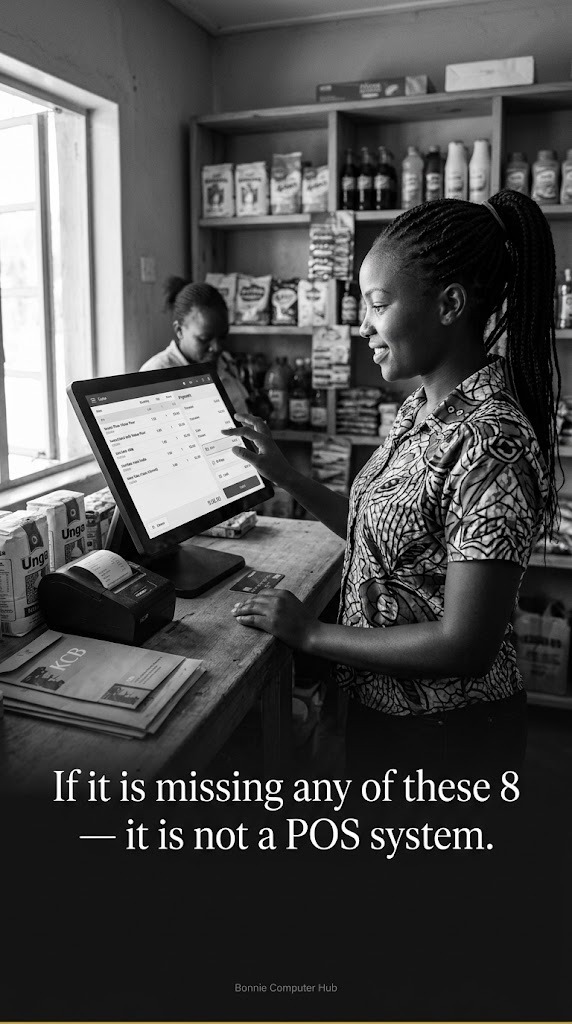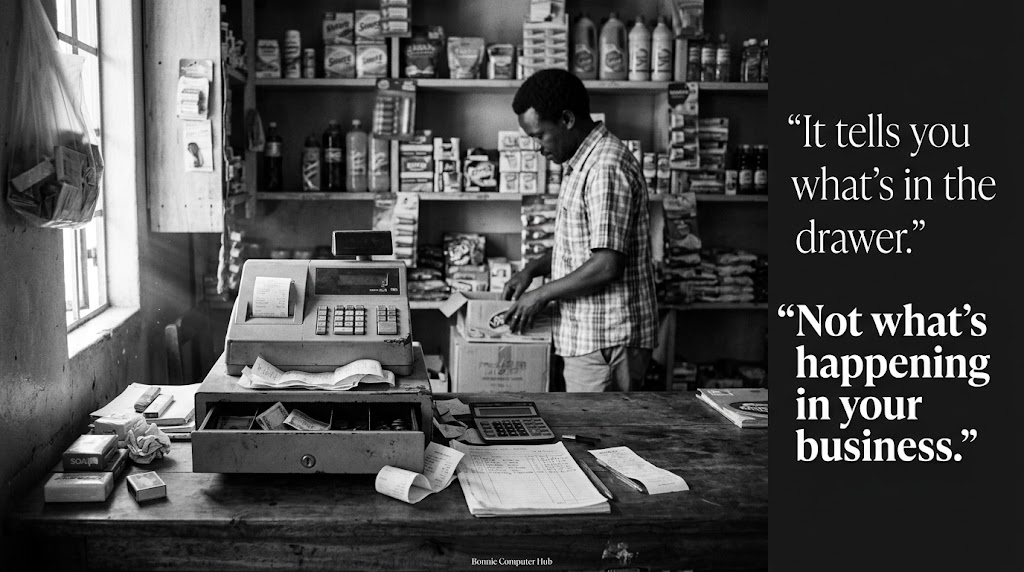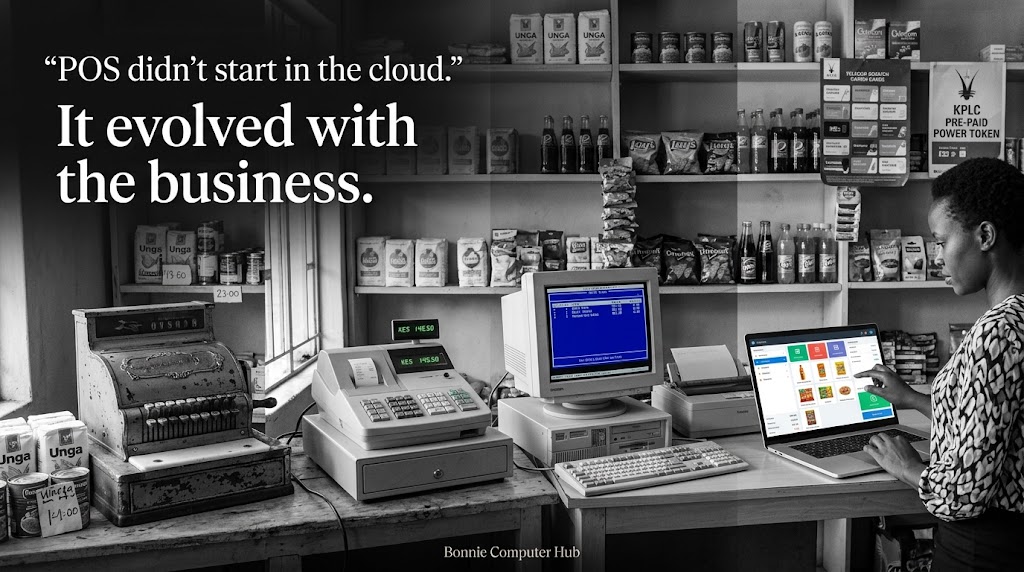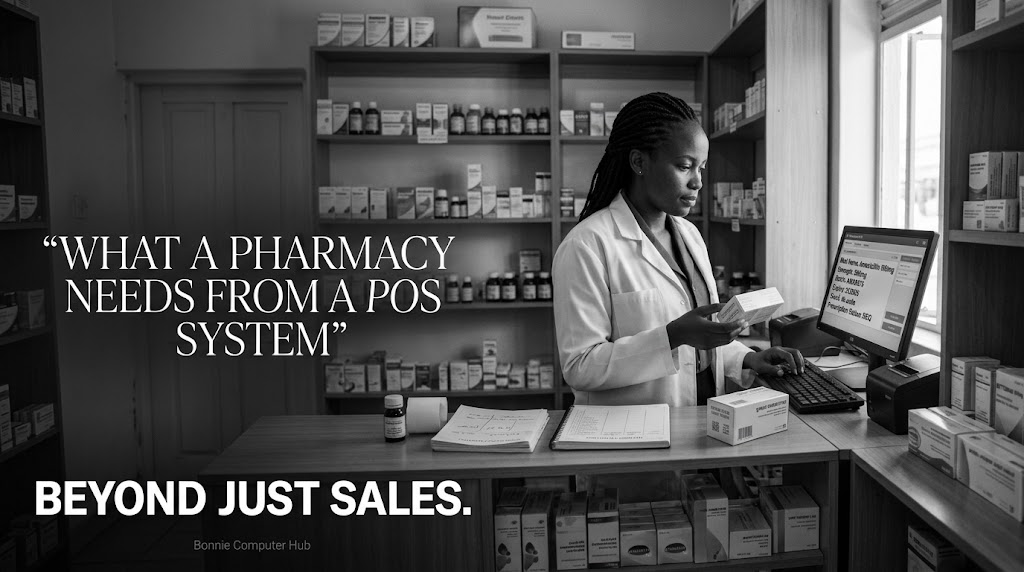
WHAT A PHARMACY NEEDS FROM A POS SYSTEM — BEYOND JUST SALES
A pharmacy is not a regular retail shop.
Yes, it sells products. But it operates under regulatory requirements, handles controlled substances, manages prescriptions, and carries products where expiry dates are not just a business concern — they are a public health issue.
A generic POS system built for a supermarket will not serve a pharmacy well.
Here is what a pharmacy specifically needs.
The unique challenges of this business type
❌ Thousands of drug SKUs with similar names — errors are dangerous
❌ Expiry date management is critical — selling expired medicine is illegal
❌ Controlled substances require special tracking and documentation
❌ Prescription management — some drugs cannot be sold without one
❌ Regulatory compliance with the Pharmacy and Poisons Board
❌ Insurance and NHIF billing for some customers
❌ Supplier management across multiple drug distributors
What the POS must handle
1️⃣ Drug and product management
✅ Full product database with generic and brand names
✅ Strength and dosage variants — 500mg vs 1000mg of the same drug
✅ Product search by generic name, brand name, or category
✅ Barcode and manual entry options
✅ Supplier and manufacturer information per product
2️⃣ Expiry date tracking
✅ Expiry date recorded at stock receipt
✅ Automatic alerts for products expiring within 30, 60, or 90 days
✅ First Expiry First Out — FEFO — stock rotation enforcement
✅ Expired stock removal and write-off recording
✅ Expiry audit reports
This is non-negotiable. A pharmacy that sells expired medication faces legal consequences and endangers lives.
3️⃣ Prescription management
✅ Record prescriptions linked to specific sales
✅ Flag products that require a prescription before sale
✅ Doctor and patient details captured where required
✅ Prescription history accessible for repeat customers
4️⃣ Controlled substance tracking
✅ Separate tracking for Schedule 1 and Schedule 2 drugs
✅ Quantity dispensed recorded per sale
✅ Running balance maintained for regulatory reporting
✅ Audit trail for every controlled substance transaction
5️⃣ Customer and patient management
✅ Regular customer profiles with purchase history
✅ Chronic illness customers tracked for repeat prescriptions
✅ Allergy and medication interaction notes where applicable
✅ Loyalty and discount management for regulars
6️⃣ NHIF and insurance billing
✅ NHIF member number captured at point of sale
✅ Eligible products flagged for NHIF billing
✅ Insurance claim documentation generated
✅ Separate reporting for cash vs insurance sales
7️⃣ Supplier and procurement management
✅ Purchase orders to multiple drug distributors
✅ Delivery reconciliation — what was ordered vs what arrived
✅ Batch number tracking for recalls
✅ Supplier credit and payment records
8️⃣ Regulatory reporting
✅ Monthly controlled substance dispensing reports
✅ Stock movement reports for PPB inspections
✅ Sales reports by drug category
✅ Expired and destroyed stock documentation
For the developer
A pharmacy POS is a specialised build. Do not treat it like a supermarket system with drug names.
The expiry tracking, controlled substance management, and prescription workflows require careful design. Errors in a pharmacy system have consequences beyond business loss.
Take the time to understand how a pharmacy operates before you design the database.
For the pharmacy owner
If your current system does not track expiry dates automatically, flag controlled substances, or manage prescriptions — you are carrying regulatory risk every day.
The Pharmacy and Poisons Board takes compliance seriously. Your POS should help you stay compliant effortlessly.
Is your pharmacy running on a system built for your specific reality — or a generic retail tool that was never designed for medicine?
🌐 www.bonniecomputerhub.co.ke
📲 +254 729 820 689
© Bonnie Computer Hub | Empowering Through Technology