THE 8 CORE FUNCTIONS EVERY POS SYSTEM MUST HAVE
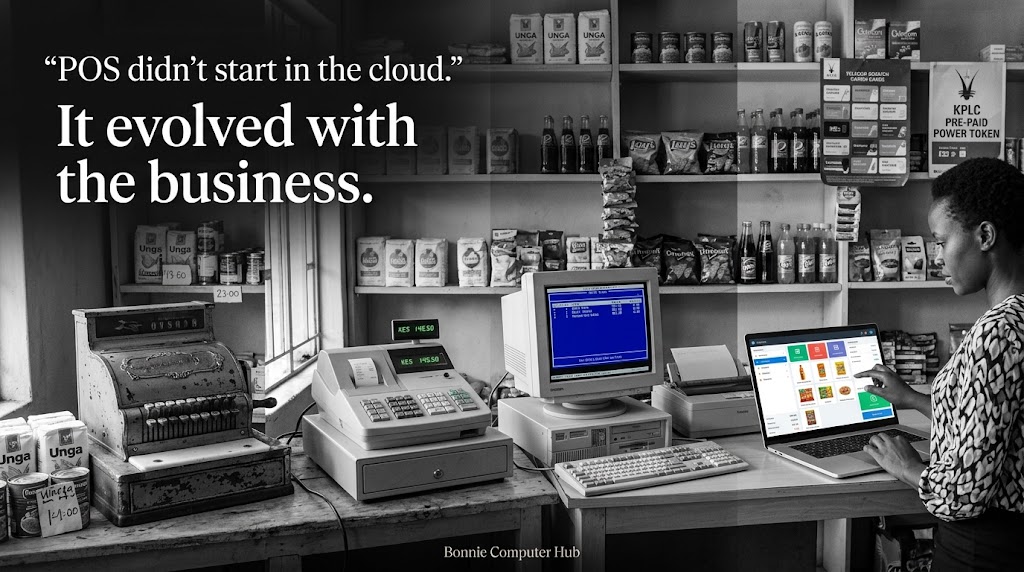
Not all POS systems are created equal.
Some have beautiful interfaces but missing functionality. Some have all the features but are too complicated for a cashier to use. Some are built for one type of business and forced onto another.
Before you build one or buy one, know what must be there. Non-negotiable. Every time.
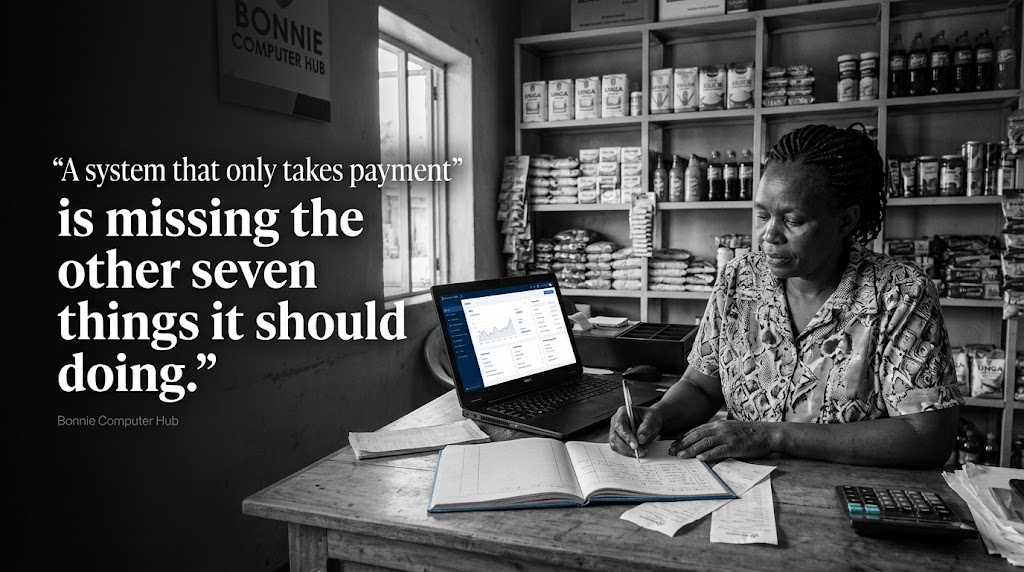
Here are the 8 core functions every POS system must have.
1️⃣ Sales Processing
This is the heart of the system.
✅ Add products to a sale quickly — by barcode, search, or category
✅ Apply discounts, offers, and promotions
✅ Handle multiple items in one transaction
✅ Process split payments — part cash, part M-Pesa
✅ Generate and issue receipts instantly
If this module is slow, complicated, or unreliable — the whole system fails. A cashier with a queue of ten customers cannot afford a system that freezes on the sales screen.
2️⃣ Inventory Management
Every sale must automatically update stock levels.
✅ Real time stock tracking with every transaction
✅ Low stock alerts when items reach reorder level
✅ Stock adjustment for damaged, lost, or returned goods
✅ Category and product organisation
✅ Barcode and SKU management
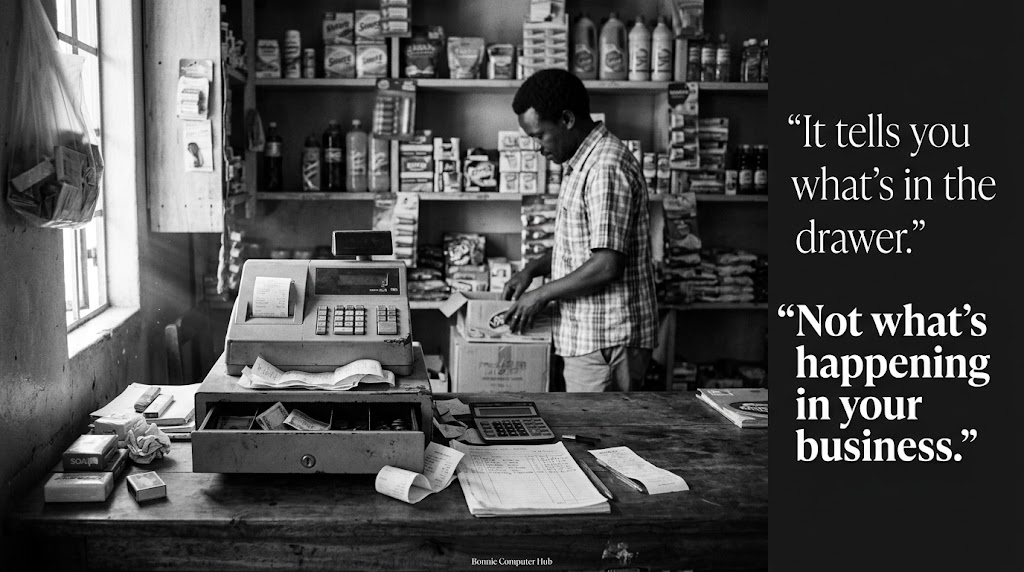
A POS without inventory management is just a billing tool. The real value is knowing exactly what you have without counting manually.
3️⃣ Product and Pricing Management
✅ Add, edit, and remove products easily
✅ Set multiple pricing levels — wholesale, retail, loyalty
✅ Manage product variants — size, colour, unit
✅ Bundle products for promotions
✅ Set tax rates per product or category
4️⃣ Payment Management
✅ Accept cash with automatic change calculation
✅ Accept M-Pesa — both manual and automated STK push
✅ Accept card payments via integrated gateway
✅ Record split payments accurately
✅ Handle voids and refunds cleanly
In Kenya specifically M-Pesa integration is not optional. It is a baseline requirement.
5️⃣ User Management and Permissions
Not everyone should see everything.
✅ Cashier — can process sales only
✅ Supervisor — can apply discounts and process returns
✅ Manager — can view reports and manage stock
✅ Admin — full system access
✅ Owner — real time remote monitoring
Every action must be tied to a specific user. This is how you prevent theft and maintain accountability.
6️⃣ Reporting and Analytics
Data is why you build a POS. Make sure it delivers it.
✅ Daily, weekly, and monthly sales summaries
✅ Best selling and worst selling products
✅ Sales by cashier and by shift
✅ Payment method breakdown — cash vs M-Pesa vs card
✅ Stock movement and inventory valuation reports
✅ Profit margin reports per product
A business owner should be able to open their phone and know exactly how their business performed today.
7️⃣ Customer Management
✅ Save customer details for repeat buyers
✅ Track purchase history per customer
✅ Apply loyalty points or discounts for returning customers
✅ Send receipts to customer via SMS or email
Not every business needs a full CRM. But every POS should be able to identify who is buying and reward loyalty.
8️⃣ Receipt and Documentation
✅ Print receipts via thermal printer
✅ Send digital receipts via SMS or email
✅ Generate invoices for credit customers
✅ Produce end of day Z-reports for reconciliation
✅ KRA eTIMS compliant receipt generation
In Kenya, KRA now requires businesses to generate tax compliant receipts through the eTIMS system. Any POS built today must account for this.
The test before you build or buy
Go through this list. Check every item.
If a system you are evaluating or building is missing any of these eight — it is incomplete.
A POS system is only as good as what it can do when the business needs it most.
Does the system you are building or using pass all eight?
🌐 www.bonniecomputerhub.co.ke
📲 +254 729 820 689
© Bonnie Computer Hub | Empowering Through Technology